The CI/CD pipeline is a key part of modern software development. It lets teams develop, test, and release software more quickly. Most teams already know the terms continuous integration, continuous delivery, and continuous deployment. Still, many people find these concepts confusing.
This confusion often stems from the term ‘CD’. In DevOps CI/CD, CD can mean delivery or deployment. Both sound similar. But they work differently. Understanding this difference helps teams choose the proper process.
This blog explains the CI/CD pipeline in simple terms. It covers definitions, workflows, and key differences. The goal is to help teams improve their software development pipeline with the right approach.
Understanding the CI/CD Pipeline
A CI/CD pipeline is a set of steps that move code from development to release. It starts with continuous integration. Developers push small code changes often. These changes are merged into a shared codebase.
Each change triggers automated testing. This involves testing at the unit, integration, and system levels. These tests catch issues early. This makes the code more stable.
This process supports building automation and faster delivery. It also reduces manual work. Once this foundation is ready, teams move to delivery or deployment.
What Is Continuous Delivery?
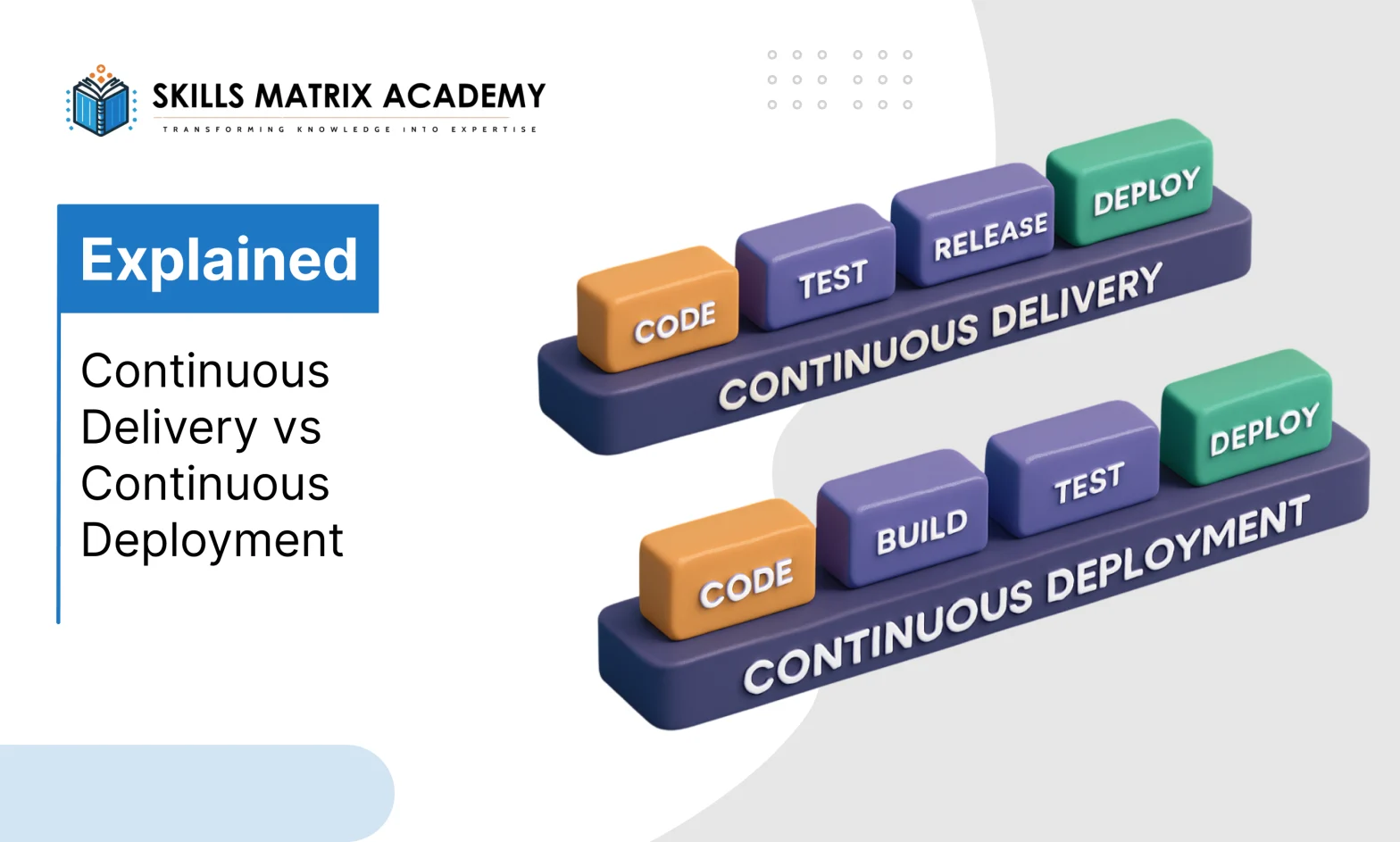
Continuous delivery means software is always ready to be released. Every code change goes through the entire CI/CD workflow. Tests run automatically. Quality checks are applied.
The testing process includes:
- Unit testing for small code parts
- Integration testing for connected systems
- System testing for full application flow
After testing, the build moves to a staging environment. This environment looks like the production environment. It helps teams test safely before release.
In continuous delivery, release control stays with humans. Manual approval deployment determines when code goes live. This helps with release management and CI/CD quality assurance.
This approach suits companies that need control. It supports regulated workflows and structured DevOps practices. The software remains release-ready software at all times.
What Is Continuous Deployment?
Continuous deployment takes one more step. It removes manual approval. When tests pass, code goes live automatically.
This means every approved change reaches users quickly. The system uses automated deployment to release updates.
To make this work, teams need:
- A production-ready environment
- A strong simulated testing environment
- Reliable CI CD tools
Real-time monitoring is critical here. Teams use application monitoring tools to watch performance, and infrastructure monitoring tracks system health. Problems are fixed fast.
Continuous deployment supports fast teams. It fits agile DevOps and modern software delivery models.
Continuous Delivery vs Continuous Deployment
The difference between continuous delivery and continuous deployment is easy to understand.
Continuous delivery:
- Keeps software ready for release
- Uses manual approval deployment
- Adds a final human check
Continuous deployment:
- Releases automatically
- Uses full deployment automation
- Sends updates directly to users
In DevOps CI/CD, CD can mean both. Teams choose based on needs. Some need control. Others need speed. Both are valid CI/CD best practices.
Which One Should Your Team Use?
Continuous delivery works best for teams that need review steps. QA in DevOps plays an important role here. Testing happens automatically. Final checks happen manually.
Continuous deployment works best for mature teams. Test coverage must be strong. Monitoring must be active. The system must handle failures well.
Both approaches rely on:
- Continuous testing
- Strong monitoring
- A stable DevOps pipeline
Testing and monitoring never stop. They protect the software release lifecycle.
How Continuous Integration, Delivery, and Deployment Work Together
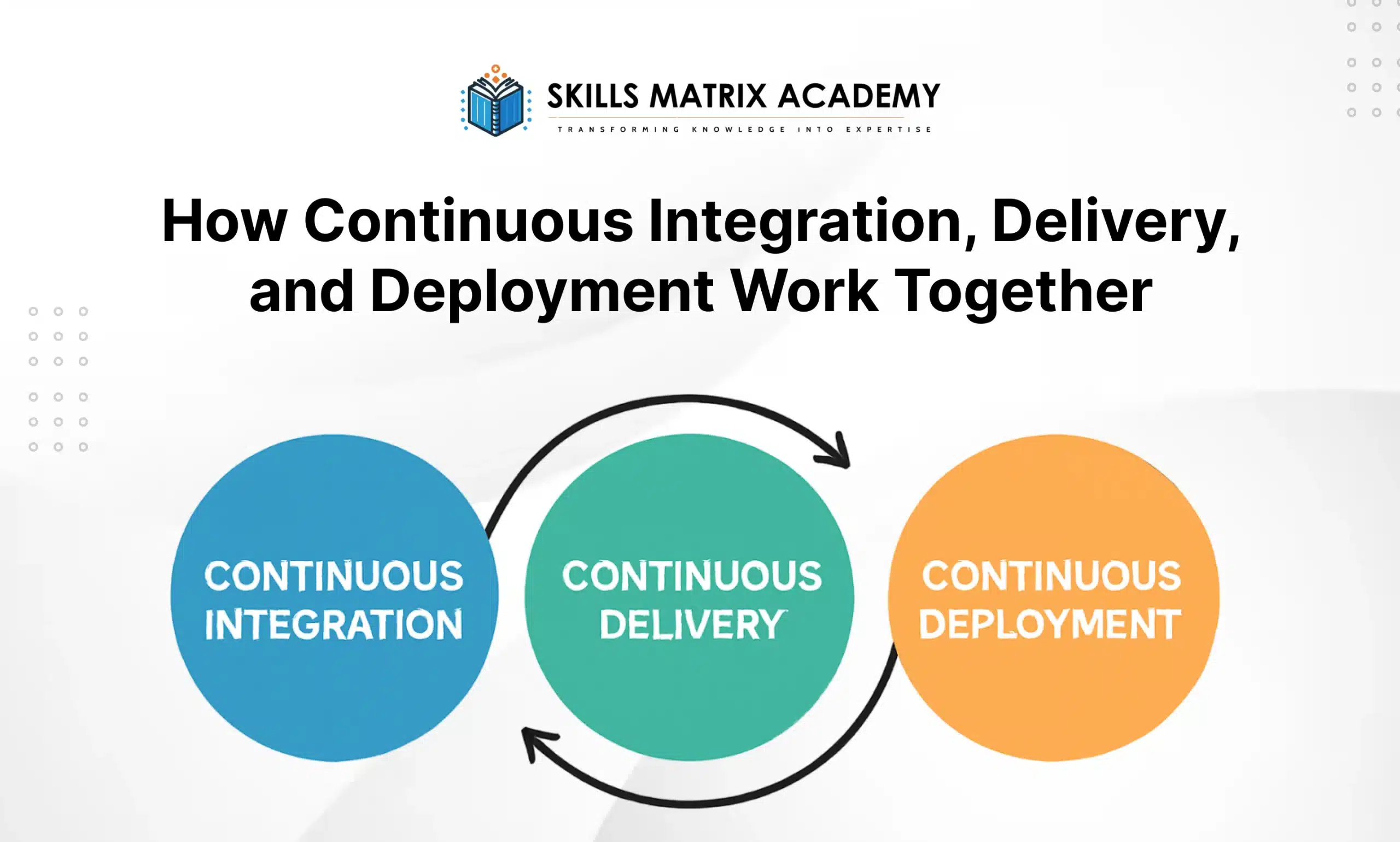
In software development, teams use three main practices. These are continuous integration, continuous delivery, and continuous deployment. Together, they form a CI/CD pipeline. When people search for a CI/CD pipeline explained, they want to understand how these three components connect.
Continuous integration is the base. It is part of both delivery and deployment. Developers add code in small pieces. These changes are often merged. Each change is tested automatically. This keeps the software development pipeline stable.
Continuous delivery and continuous deployment build on this base. They use the same process. The only difference is how releases happen. In delivery, a human decides. In deployment, the system chooses to.
How These Practices Are Connected
The relationship between continuous integration, delivery, and deployment is simple. One step leads to the next. Each step adds more automation to the CI CD workflow.
Here is how CI CD practices work together in DevOps CI/CD:
- Continuous integration builds and tests code
- Continuous delivery keeps software ready to release
- Continuous deployment releases software automatically
This flow creates a smooth DevOps pipeline. It also follows trusted CI CD best practices used in modern software delivery.
Benefits of Continuous Delivery
The benefits of continuous delivery are easy to see. Teams release software more often. These are minor, frequent releases, not big, risky ones. This improves release management and supports a clear software release strategy.
Minor releases are easier to control. They are more stable. They reduce risk. This leads to stable software releases and a better end-user experience.
Problems can happen anytime. That is why the CI/CD pipeline needs a fast feedback loop. A strong CI CD feedback loop sends failure details quickly. This enables DevOps teams to receive quick feedback.
When tests fail:
- Minor issues go into the backlog
- Critical problems are fixed immediately
- Fixes align with sprint-based development
This improves software stability and supports agile DevOps.
Benefits of Continuous Deployment
The benefits of continuous deployment come from automation. Teams rely on automated infrastructure to release software. Manual steps slow things down. So teams avoid them.
Instead, they use automated testing, automated quality checks, and continuous testing. This ensures reliable deployments and a faster release cycle.
With automated deployment, code moves directly to production. Teams stop worrying about big releases. Feedback arrives quickly. Improvements happen faster.
This supports a scalable deployment strategy and strong DevOps practices
Continuous Delivery vs Continuous Deployment: Advantages and Disadvantages
Continuous delivery and continuous deployment are essential for modern CI/CD pipelines. Both help teams release software faster and reduce errors.
The main difference is simple:
- Continuous delivery prepares the software for release, but a person decides when to push it live.
- Continuous deployment automatically deploys changes without waiting for approval.
Both improve software quality, speed, and teamwork.
Advantages of Continuous Delivery
Continuous delivery has many benefits:
- Faster releases: Teams can deliver new features and fixes quickly.
- Lower risk: Automated tests catch problems before release.
- Better teamwork: Developers, testers, and operations work together smoothly.
- Quick feedback: Frequent releases allow teams to learn from users fast.
This method keeps software stable, controlled, and safe. It also makes release management easier.
Disadvantages of Continuous Delivery
There are some challenges with continuous delivery:
- Complex setup: Requires robust systems with automated testing and rollback capabilities.
- Manual steps: Human approval is required, which can slow things down.
- Extra costs: Tools, servers, and automation frameworks can cost more.
- Team changes: Teams need to adapt workflows and culture for this process.
Advantages of Continuous Deployment
Continuous deployment focuses on speed and automation:
- Fastest releases: Every change goes live automatically.
- Quick learning: Teams receive user feedback immediately.
- Fewer mistakes: Less human involvement reduces errors.
- More flexible: Teams can respond faster to changes and try new ideas.
This method is perfect for teams that want rapid release cycles and fast updates.
Disadvantages of Continuous Deployment
Even with automation, continuous deployment has risks:
- Risk of bugs: Errors may reach users if tests miss them.
- Dependence on automation: Pipeline failures can halt releases.
- Team readiness: Teams must be skilled in DevOps CI/CD and testing.
- Compliance issues: Some industries require strict rules that make automation more difficult.
Both continuous delivery and continuous deployment improve software quality and speed.
- Continuous delivery = more control, safer releases.
- Continuous deployment = fully automatic, very fast.
Teams should choose based on skill, DevOps maturity, and project needs. Both improve CI/CD pipelines, reduce errors, and deliver better software to users.
Continuous Delivery vs Continuous Deployment: Which Is Right for You
Continuous delivery and continuous deployment are two ways to release software. They help teams deliver updates faster and reduce mistakes.
The choice depends on:
- Your team skills (DevOps maturity)
- How fast do you need releases (rapid release cycle)
- How much risk your organization can take (risk tolerance)
- The kind of software you build
Both are part of the software delivery process. They improve release management and make your CI/CD pipeline more effective.
When to Use Continuous Delivery
Use continuous delivery to gain more control over releases. It is good when:
- Frequent releases are needed, but you want to approve them manually
- Regulations are strict, and manual checks are required
- Manual approval is preferred before deploying to production
- Your automation is new or not fully ready
Benefits:
- Keeps software stable and controlled
- Helps with release management
- Reduces mistakes from automation issues
When to Use Continuous Deployment
Use continuous deployment to accelerate and automate. It is good when:
- Fast and frequent releases are important
- Automated tests are strong and reliable
- You want less human intervention
- You want quick feedback from users
Benefits:
- Provides real-time updates to users
- Supports rapid release cycles
- Improves feature updates and bug fixes
How to Choose
Deciding depends on:
- Team skills and DevOps maturity
- Automation readiness (CI CD workflow)
- Risk tolerance
- Goals of your software project
Tip: Many teams start with continuous delivery. Later, they move to constant deployment as automation improves.
- Continuous delivery = safe, controlled releases
- Continuous deployment = fast, automated releases
Both improve software stability, release control, and modern software delivery.
Conclusion
Both continuous delivery and continuous deployment are essential.
- Choose continuous delivery for control and safety
- Choose continuous deployment for speed and automation
The right choice depends on your team, project, and risk. Both help deliver software faster, safer, and more efficiently.
Frequently asked questions
- Which is better: Continuous Delivery or Continuous Deployment?
It depends on your team and goals.
- Continuous Delivery: You control when updates go live. You approve production releases yourself.
- Continuous Deployment: Updates go live automatically. Works well if you have good automated tests and strong DevOps processes.
Both improve software delivery and release management.
- Who should use Continuous Deployment?
Teams building web apps or SaaS products get the most benefit.
- Release features several times a day
- Get quick feedback from users
- Use automation and monitoring to keep releases safe
- Why choose Continuous Delivery?
Use Continuous Delivery if you need:
- More control over when features go live
- Manual QA checks before release
- Scheduled releases that follow business or compliance rules
It is best for regulated industries or projects with complex release steps.
- How do testing and monitoring differ?
- Continuous Delivery: You can do manual testing before release
- Continuous Deployment: Needs automated tests to avoid problems
- Both need real-time monitoring to catch issues quickly

Bharat Arora
12+ years as a web developer, Bharat has worked in the biggest IT companies in the world. He loves to share his experience in web development.


Bharat Arora
12+ years as a web developer, Bharat has worked in the biggest IT companies in the world. He loves to share his experience in web development.