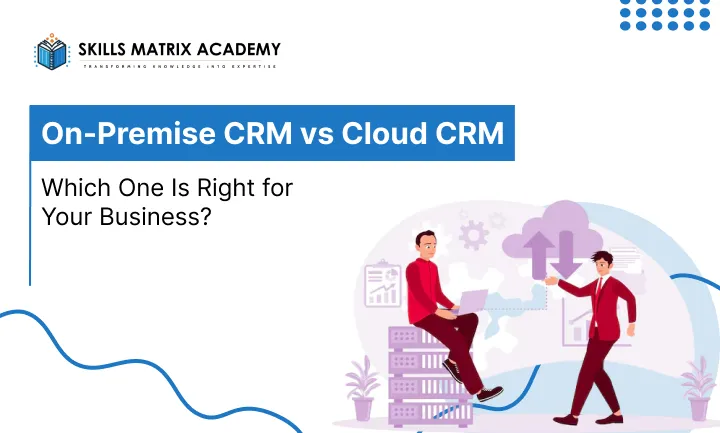
Choosing the right CRM can feel overwhelming. There are dozens of options out there, each promising to transform your business. But before you compare features and pricing, there’s a more fundamental question you need to answer — where should your CRM actually live? That’s where the on-premise CRM vs cloud CRM debate comes in. And honestly, it’s one of the most important decisions a business can make when it comes to managing customer relationships.
In this guide, we’ll break down both options in plain, simple language. No jargon. No fluff. Just real, helpful information that helps you decide what makes sense for your team
What Is an On-Premise CRM?
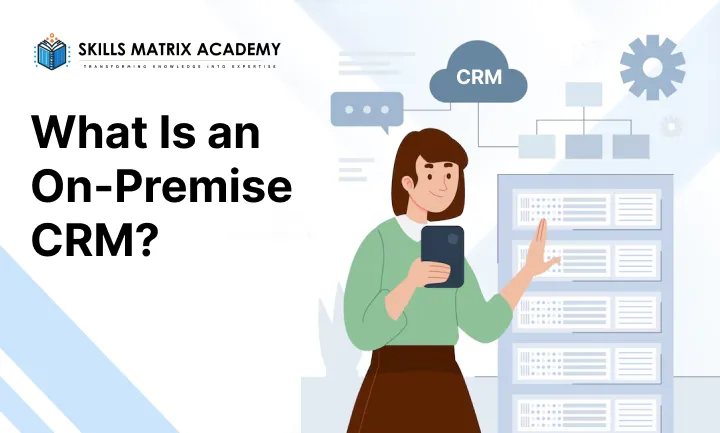
Let’s start with the basics. An on-premise CRM is a customer relationship management system that is installed and runs directly on your company’s own servers. Your data stays inside your building, under your control, managed by your own IT team.
Think of it like owning a house. You buy it, you maintain it, you decide what happens inside. That level of control is exactly what makes an on-premise CRM so appealing to certain businesses — especially large enterprises, government organizations, and companies in highly regulated industries like banking, healthcare, or legal services.
An on-premise CRM system gives you complete ownership of your data. Nobody else has access to it unless you allow them. That’s a big deal when you’re handling sensitive customer information.
Key Features of an On-Premise CRM
Understanding what an on-premise CRM software actually offers helps you evaluate if it matches your business needs. Here are the standout features:
- Deep customization: You can modify workflows, dashboards, and reports to match exactly how your team works. No limitations set by a third-party vendor.
- ERP and accounting integration: On-premise systems integrate smoothly with your existing on-site tools like ERP software, accounting systems, and inventory management platforms.
- Offline access: An offline CRM system works even without internet connectivity. Operations continue without interruption during network outages.
- Full data ownership: All customer data is stored on your own servers. You control who accesses it and how it’s protected.
- Custom security protocols: You set the security rules. This is especially valuable for businesses that need to meet strict compliance standards.
These features make on-premise CRM solutions a powerful choice for organizations with complex requirements that off-the-shelf cloud products simply cannot meet.
Advantages of On-Premise CRM
Full Control Over Your Data
One of the biggest on-premise CRM benefits is that your data never leaves your infrastructure. For industries like finance or healthcare — where data privacy isn’t just important but legally required — this is a non-negotiable advantage. You’re not trusting a third party with your most valuable business asset.
Customization Without Limits
With a self-hosted CRM, you’re not stuck with what the vendor gives you. You can build custom modules, adjust the interface, and even modify the underlying code if needed. For large enterprises with unique workflows, this level of customization flexibility is genuinely transformative.
Better Compliance for Regulated Industries
If your business operates in a regulated environment, an on-premise CRM for regulated industries can be configured to meet your exact compliance requirements. Whether it’s GDPR, HIPAA, or local data protection laws, you stay in control of how data is stored and handled.
Challenges of On-Premise CRM
It wouldn’t be a fair comparison without talking about the downsides. On-premise CRM systems come with some real challenges:
- High upfront cost: You need to invest in hardware, software licenses, and installation before you even start using the system.
- Ongoing maintenance: Your IT team will need to handle updates, troubleshooting, and system management on an ongoing basis.
- Scalability challenges: Growing your system means buying more hardware and spending more time on setup, which can slow down your ability to scale quickly.
- Limited remote access: Unlike cloud CRM, accessing an on-premise system remotely can require extra technical setup, like VPNs.
For smaller businesses, these challenges can be a dealbreaker. But for large enterprises with the IT resources and budget to manage them, the trade-offs are often worth it.
What Is a Cloud CRM?
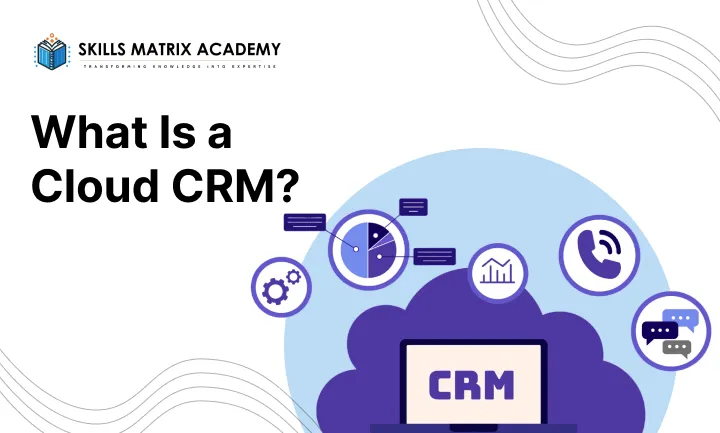
Now let’s flip the conversation. A cloud CRM — also called a cloud-based CRM software or SaaS CRM — is hosted on remote servers managed by a third-party provider. You access it through a web browser or mobile app, anywhere you have internet.
Think of it like renting an apartment. You don’t worry about fixing the plumbing or maintaining the building. You just move in and use it. The provider handles all the technical heavy lifting behind the scenes.
Cloud CRM solutions have exploded in popularity over the last decade, and it’s easy to see why. They’re fast to set up, affordable to start, and accessible from any device.
Key Features of a Cloud CRM
Cloud-based CRM software typically comes loaded with features designed for modern, mobile teams. Here’s what you can expect:
- Lead and opportunity management: Track every prospect from first contact to closed deal with built-in pipeline tools.
- Marketing automation CRM: Email campaigns, segment audiences, and analyze results — all from the same platform.
- Mobile access: Your team can log calls, update records, and check dashboards from any smartphone or tablet.
- Real-time data sync: Every update is instantly visible to the whole team. No more waiting for reports to refresh.
- CRM with integrations: Connect easily with hundreds of third-party apps, including Gmail, Slack, Zoom, and more.
Advantages of Cloud CRM
Low Cost to Get Started
One of the top cloud CRM advantages is the dramatically lower upfront cost. With a cloud CRM low-cost solution, you pay a monthly or annual subscription — no hardware purchases required. This makes it a genuinely accessible option for startups and small businesses.
Quick Implementation
CRM quick implementation is another massive win for cloud systems. You can be up and running in days, not months. No server setup. No complex installations. Just create an account, configure your settings, and start working.
Scalability
Need to add 50 new users? In a cloud CRM, that’s a few clicks. CRM scalability is built into the product by design. As your business grows, your CRM grows with it — without expensive hardware upgrades.
Challenges of Cloud CRM
Cloud CRM isn’t perfect either. Here’s where it can fall short:
- Data security concerns: Your data lives on someone else’s servers. While most providers use strong security measures, some businesses are uncomfortable with that arrangement.
- Internet dependence: No internet, no CRM. If your team works in areas with poor connectivity, this is a real operational risk.
- Limited customization: Cloud CRM platforms are designed for broad audiences. Deep, custom modifications that on-premise systems allow may not be possible.
For many businesses, these limitations are minor compared to the convenience and cost savings. But it depends entirely on your priorities.
When to Use an On-Premise CRM?
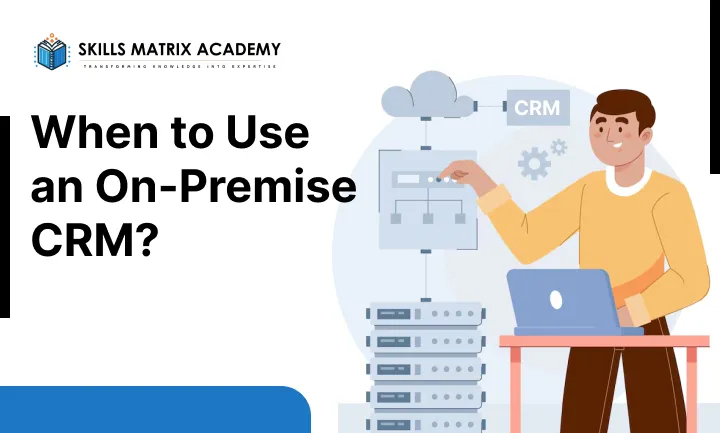
An on-premise CRM is not for everyone — but for the right organization, it is genuinely the best choice on the market. Here are the situations where it makes the most sense.
You Handle Sensitive or Government Data
If your organization deals with classified, sensitive, or regulated information, a secure CRM solution that lives entirely on your own servers is the safest bet. CRM for government agencies and public sector bodies is a classic on-premise use case, since many of these organizations are legally prohibited from storing data on third-party servers. Full data ownership means full accountability.
You Work in Low-Connectivity Areas
Does your team operate in regions with poor or unreliable internet? An offline CRM system is what you need. On-premise CRMs work without a live internet connection and sync data once connectivity is restored. This makes them the top pick as a CRM for remote locations and field operations.
You Need Deep Customization or Complex Integrations
Sometimes your business has workflows that no out-of-the-box software can handle. A customized CRM solution built on-premises gives your IT team the freedom to modify the system at a code level. It is also much better suited for CRM for proprietary software integration across a complex, multi-layered technical environment.
That said, on-premise CRM limitations are real. Expect high upfront investment, a dedicated IT team for maintenance, slower deployment, and data stored in one location — which raises the risk of loss if something goes wrong. These are not small trade-offs, so weigh them carefully.
When to Use a Cloud-Based CRM?
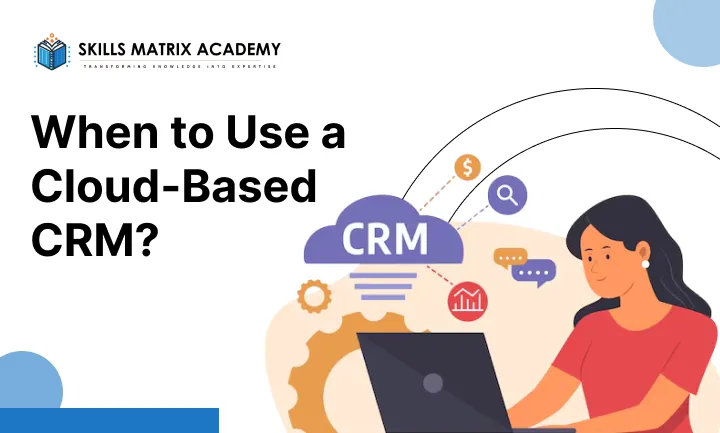
For most modern businesses, a cloud CRM is the smarter, faster, and more flexible starting point. Here is when it clearly wins.
Your Team Is Remote or Always on the Move
A CRM for a mobile workforce needs to be accessible from anywhere — a laptop in a coffee shop, a phone at the airport, a tablet in a client meeting. Cloud CRM gives your team that freedom with no compromise on functionality. It is the natural choice for CRM for distributed teams and businesses that have embraced remote work.
You Want to Grow Without the Headaches
Cloud CRM scalability is one of its biggest strengths. As your business grows, you simply upgrade your plan. There is no need to buy new servers or call your IT team. Scalable CRM solutions in the cloud are built to grow with you — making them ideal for startups and businesses in expansion mode.
Other strong reasons to choose the cloud include:
- Affordable CRM solutions: Subscription pricing spreads costs over time, keeping upfront investment low.
- Automatic CRM updates: The vendor handles all updates and security patches — you never fall behind.
- CRM disaster recovery: Cloud platforms come with built-in backup and recovery, protecting your data around the clock.
- CRM without IT team: You do not need in-house technical staff to manage the system.
Cloud CRM vs On-Premise CRM: Key Differences You Must Know Before Choosing
Picking a CRM is not just about features or price. It is about how the software fits into your daily operations, your team structure, and your long-term goals. One of the first — and most important — questions you need to answer is simple: should the CRM live on your servers or in the cloud? That single decision affects your costs, security, mobility, and how fast your team can actually start working. Let us break it all down honestly.
Cost: What Are You Really Paying For?
Money is usually the first thing people look at, and rightfully so. The cost structure of on-premise CRM and cloud CRM could not be more different.
With a cloud CRM for small businesses or startups, you pay a monthly or quarterly subscription. There is no server to buy, no hardware to maintain, and no IT team to keep on payroll just for the CRM. This makes affordable CRM software built on the SaaS model a genuinely smart choice for businesses watching their budget.
On-premise CRM, on the other hand, demands a large upfront investment. You are buying servers, paying for installation, and budgeting for ongoing maintenance. For some enterprise CRM setups, this cost makes sense over a decade. But for most growing businesses, the financial risk is simply too high at the start.
Mobility: Can Your Team Work From Anywhere?
This is where the gap between the two becomes very real, very fast. A CRM for a mobile workforce needs to work wherever your people are — not just in the office.
Cloud CRM wins here without question. Your sales reps, field technicians, and remote employees can log into the system from any device with an internet connection. Real-time updates happen the moment someone closes a deal or enters a customer note. There is no lag, no waiting, and no calling the office to relay information. For CRM for remote teams and CRM for distributed teams, this level of accessibility is not a luxury — it is a necessity.
On-premise CRM ties your team to the office network. Remote access is possible, but it usually requires a VPN setup and additional IT configuration. Field staff often have to call in updates manually, which slows everyone down and opens the door to data errors.
Security and Maintenance: Who Is Responsible?
Cloud CRM Security
Most people assume the cloud is less secure. In reality, top cloud CRM security providers invest heavily in encryption, firewalls, and regular security audits — far more than most individual businesses could afford to do on their own. They also handle CRM backup solutions and cloud CRM disaster recovery automatically, so your data is protected even if a device is lost or a system fails.
On-Premise CRM Security
With a self-hosted CRM, you are the one responsible for data protection. That gives you more control, which is why secure CRM solutions on-premise are popular for CRM for government agencies, public sector organizations, and CRM for regulated industries. But it also means hiring outside data centres or IT specialists — adding more cost and complexity to your operations.
Implementation and Updates: How Fast Can You Start?
Speed matters. With cloud CRM quick deployment, you can be up and running in a matter of days. There is no hardware to install, no servers to configure, and no long waiting periods. This fast CRM implementation is a huge advantage for businesses that need to move quickly.
On-premise systems take much longer to deploy. Installing dedicated servers, configuring the software, and training your team all take time. And when new features arrive? Your vendor has to physically come in — or send a remote technician — to install updates. That creates delays and often means businesses fall behind on the latest tools.
Cloud CRM handles this differently. Automatic CRM updates roll out in the background, just like your phone apps. You always have the newest version without lifting a finger with vendor-managed CRM; that entire technical burden shifts off your shoulders.
Data Access and Real-Time Metrics
Imagine a sales manager trying to check team performance while travelling. With a cloud CRM, they open the app, and the data is right there — updated the moment the last rep logged a call. Every note, every deal, every customer interaction is live and accurate.
With an on-premise setup, data is only as current as the last time someone sat at an office desk and made an update. In fast-moving businesses, that gap — even a few hours — can lead to real mistakes.
How to Choose Between Cloud and On-Premises CRM
Selecting the right CRM isn’t about trends — it’s about what fits your business model, team structure, and growth plans.
When a Cloud CRM Makes More Sense
A cloud-based CRM is ideal if your business is growing fast or constantly evolving. It offers the flexibility to scale without major system changes or heavy investments.
Since cloud CRM works on a subscription model, you don’t need a big upfront budget. You can start small and expand as your business grows, making it a practical choice for startups and small businesses.
Accessibility is another major advantage. Your team can access the CRM anytime, from anywhere — whether they’re working remotely, travelling, or meeting clients.
Plus, you don’t need a dedicated IT team. The provider handles maintenance, updates, and security, allowing you to focus purely on business growth.
When an On-Premises CRM Is the Better Choice
If your business requires deep customization or operates with complex workflows, an on-premises CRM gives you greater control and flexibility.
Although the initial setup cost is higher, it can be a smart long-term investment — especially if you already have an in-house IT team to manage and maintain the system.
On-premises CRM is best suited for organisations that want full control over their data, systems, and customisation without relying on external providers.

Bharat Arora
12+ years as a web developer, Bharat has worked in the biggest IT companies in the world. He loves to share his experience in web development.


Bharat Arora
12+ years as a web developer, Bharat has worked in the biggest IT companies in the world. He loves to share his experience in web development.